Walkthrough
From install to review, in five steps.
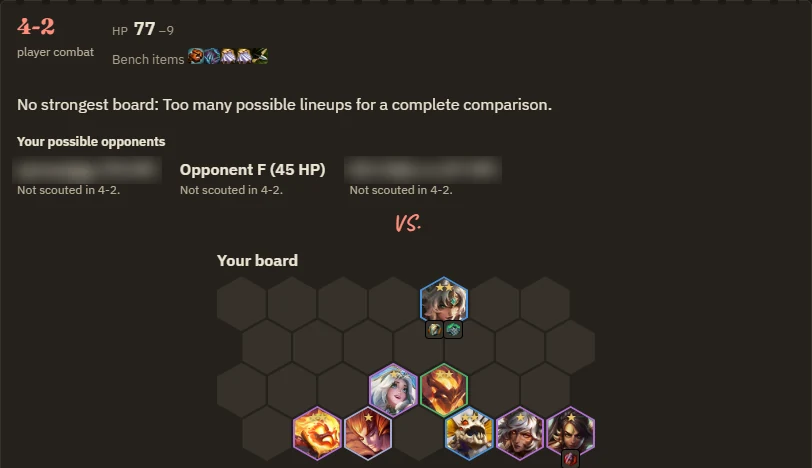
Screenshots are from a real ranked game; other players' names are blurred.
1. Install and first run
- Windows 10 or 11, TFT at 16:9 or 16:10. The app sits in the notification area.
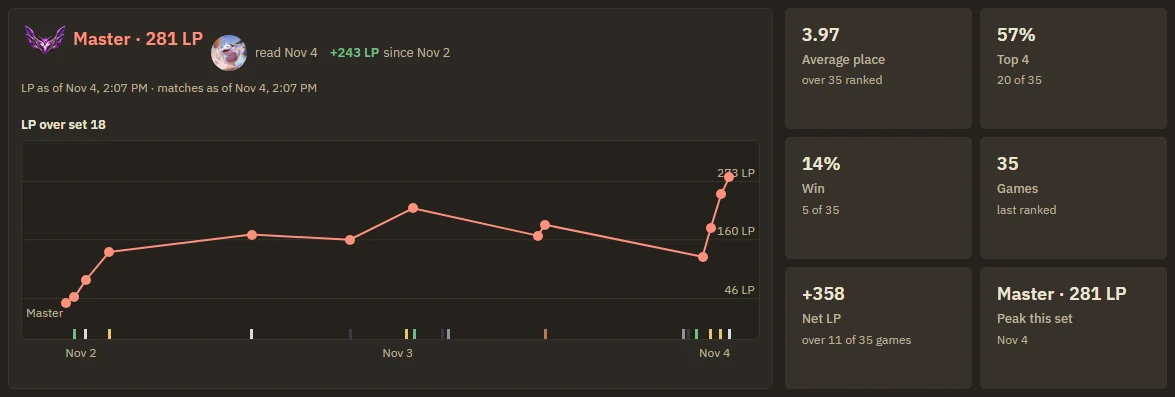
- On first run the app asks for your rank, to pick the benchmarks the review compares you with. The League client's rank is preselected when it can be read; the choice saved is yours.
- No account and no sign-in. After each game the app shares play data with our server unless you turn it off; in the EU, UK, EEA and Switzerland it asks first. What is shared.
2. The game is recorded by screen capture
- When the League client reports a TFT game has started, the app captures the game window. It asks the client only for game start and end, queue type, who is playing on which server, and ranked TFT standing.
- It reads gold, level, XP, round, the shop, traits, the health list, and your own units and items from the game's interface.
- When the game shows you another player's board, by scouting or in a fight, it also stores that player's units, items, traits, augments, health and a name-plate image fingerprint. These appear only in the review, after the game has ended.
- If you turn on Settings > Comp checklist, the units on your own board are named during the game, in memory only.
- No game-memory reads, no process injection, no input automation.
- No review is shown during the game. Scouted frames are kept out of your own timeline.
3. During the game: Team Comps
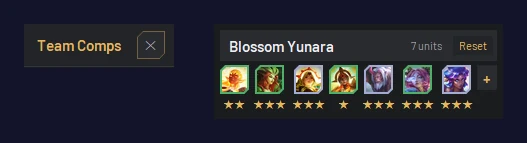
The overlay is a separate window, a small Team Comps button. It opens when a capture starts and closes when the game ends, unless you turn that off.
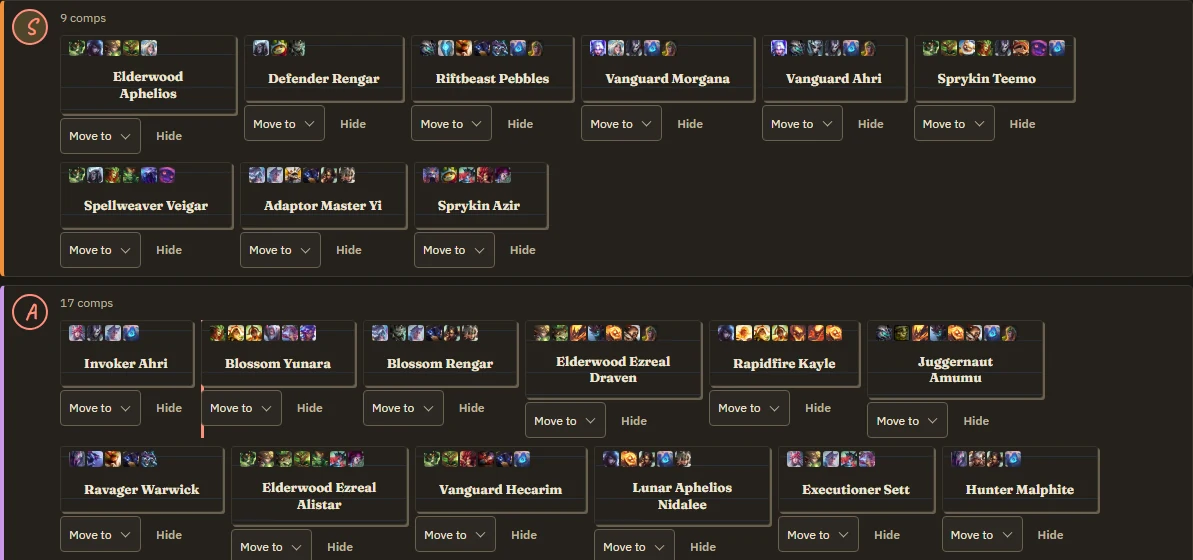
- Load a comp. Right-click a comp in the app to load it. It opens as a panel at the top right of the screen. Clicking the button opens the Meta Comps tab.
- Edit it. In the panel, left-click a unit to set the star level you want it at (1, 2 or 3). Right-click a unit to remove it. + adds a unit from the set.
- Shop cards. A card in your shop that holds one of the comp's units is marked, core and flex units drawn differently. It does not say what to buy or when.
- The star stop. Once your own board and bench show a unit at the star level you set, its shop cards stop being marked. This looks at your own units only, during planning only, and is forgotten when the game ends.
- No advice, and nothing about your opponents.
4. After the game: the review and replay
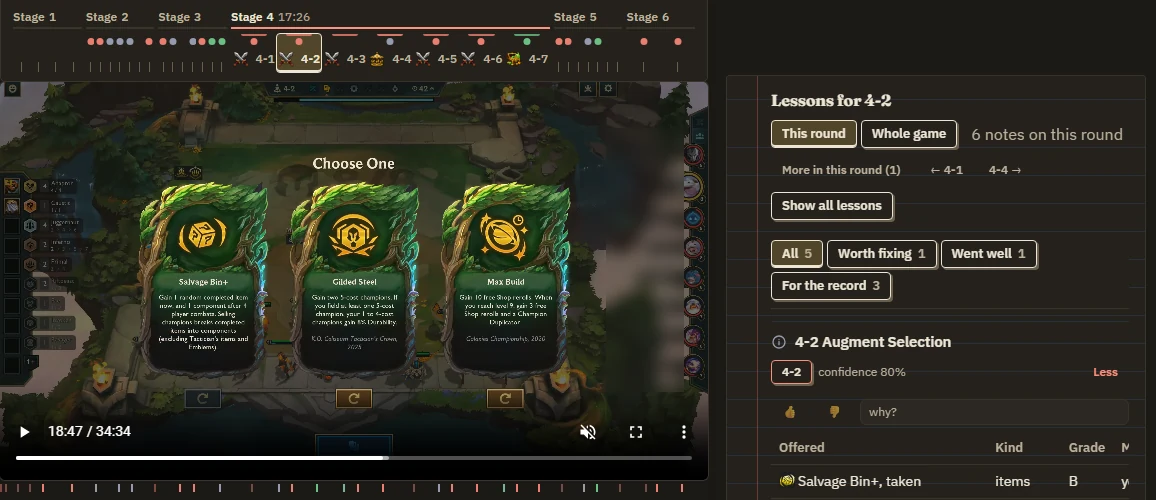
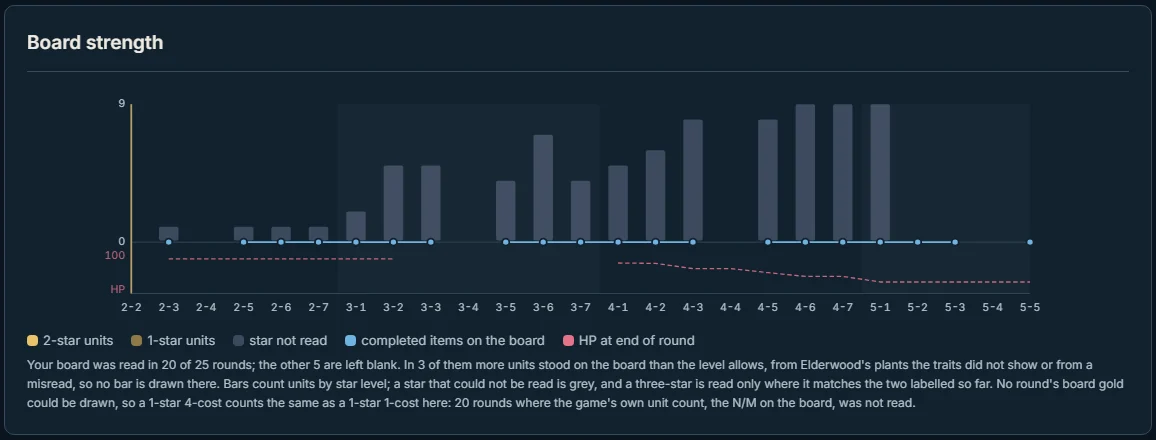
Open the review once the game has ended. It follows the round you are watching in the replay.

5. Optional: the Riot match check
- Off until you add a Riot API key in Settings. Each player adds their own key; no key ships with the app, and there is no Riot Sign-On sign-in today.
- The app looks the game up in Riot's match record and confirms your placement. Without it, placement is shown as unknown rather than guessed. These calls read games that have already ended and are held while a game is on.
- It also keeps your own ranked results for your Profile, adding up over time. Those rows hold nothing about other players.
- Riot's record of a game lists the lobby's players and final boards. It is kept on your PC with that game and deleted with it.